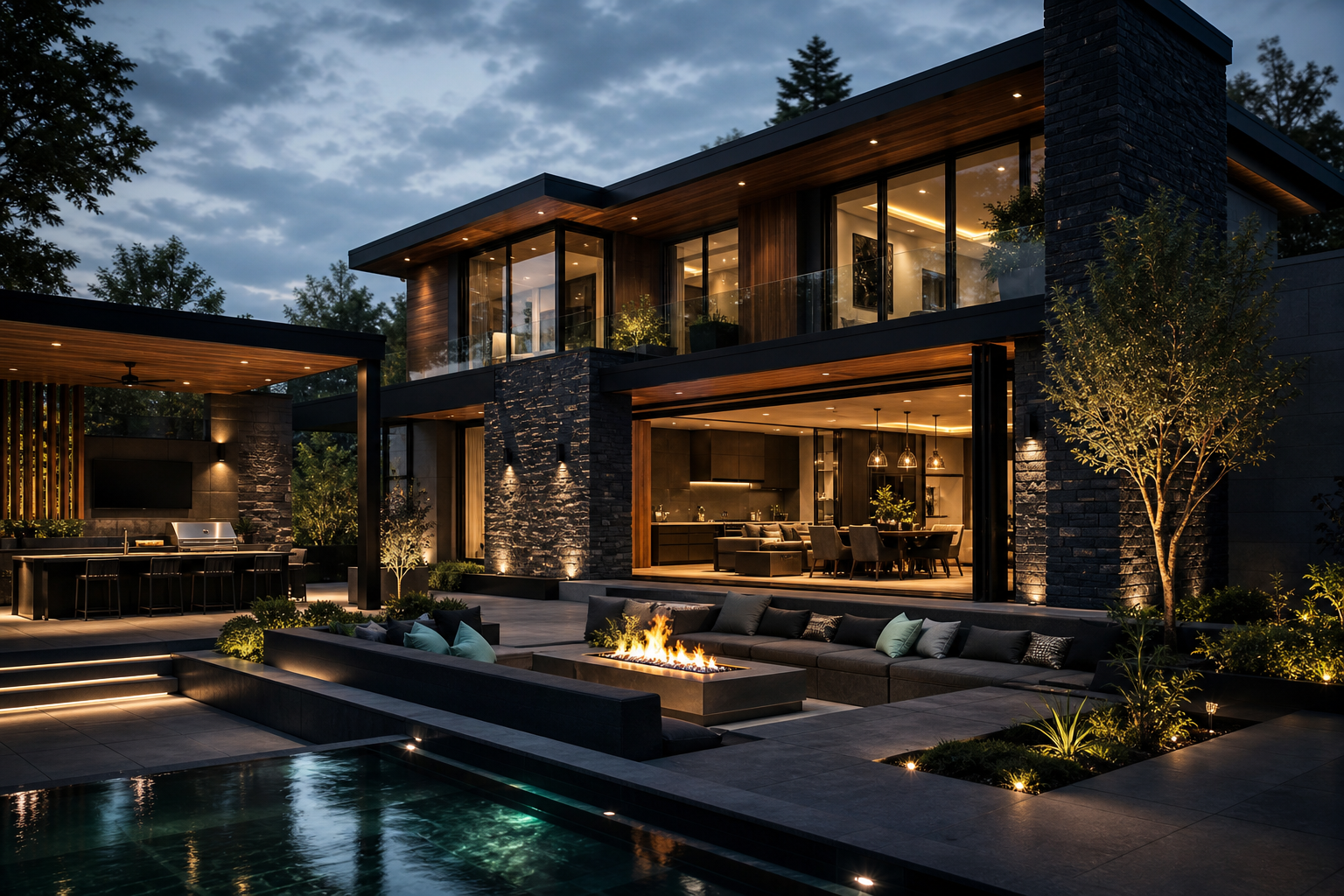
Explore luxury directions from your own property image.
Start with an uploaded photo of your home, move through curated luxury inspiration, compare refined possibilities side by side, and arrive at a clearer brief for a higher-value consultation.
Upload your property photo and explore category-led luxury directions.
Use this guided interface to start ideas. Your uploaded JPEG reference helps shape the design conversation during consultation.
Workspace controls
Preview status: concept workspace
OriginalRefinedEntertaining layout
Material direction
Facade balance
Lighting layers
Entertaining flow
Mint-lit facade rhythm
Warm wood soffit accents
Indoor-outdoor continuity
Hosting circulation clarity
Evening ambience planning
Uploaded images guide the design conversation by clarifying scope, style direction, and investment priorities with our design-build team.
Vision Studio process FAQ
Quick answers on uploads, inspiration direction, and how this experience feeds a sharper consultation plan.
What property photos should I upload first?
Start with clear, wide-angle shots of the spaces you want to improve most—front elevation, key interiors, outdoor living zones, or full-property views. Bright, uncluttered photos give the strongest design direction.
How do the left-side category dropdowns help me browse ideas?
Use the dropdowns to narrow by area, style, materials, and features one layer at a time. This keeps inspiration organized so you can move from broad exploration to focused options without overload.
What is the best way to compare original and refined directions?
Review your baseline image beside each refined concept and note what changes improve flow, curb appeal, and function. Saving side-by-side comparisons makes it easier to identify the direction worth developing.
What do the inspiration cues in each concept represent?
Inspiration cues highlight the design intent behind the visuals—materials, lighting mood, architectural lines, and indoor-outdoor continuity. They are guidance markers to clarify style, not final construction drawings.
How do my saved favorites carry into consultation?
Your favorites become the starting brief for our team. We use them to align priorities, budget range, and scope strategy so your consultation quickly moves toward a practical quote path.
Bring your Vision Studio uploads and category picks into a tailored consultation.
From image uploads to room-by-room and outdoor category exploration, we translate what you saved into refined concept directions for your full-property transformation.